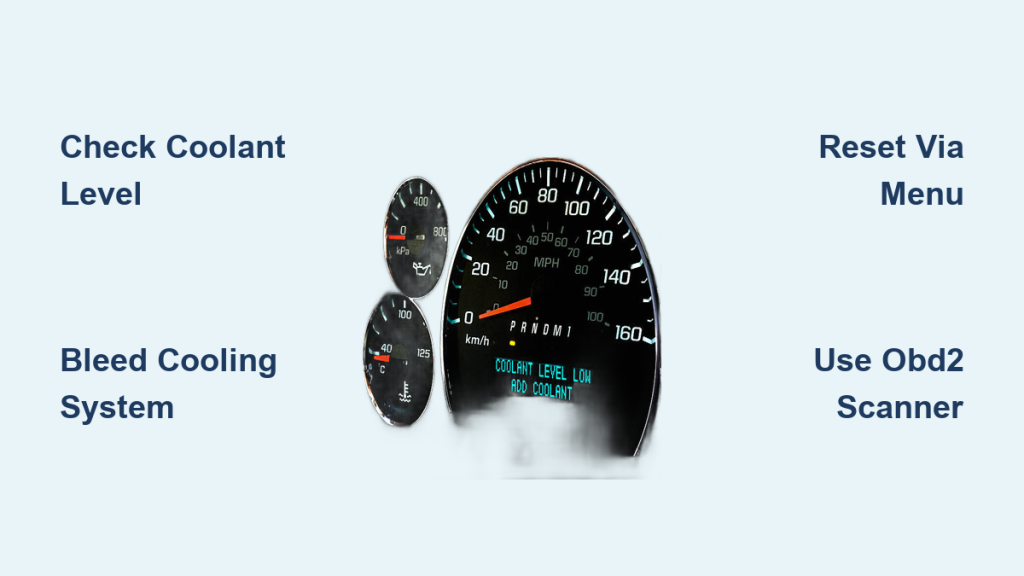
Your coolant warning light just came on. Whether it reads “Low Coolant,” “Check Coolant,” or shows a temperature symbol, your car is signaling that something is off with its cooling system. Ignoring this alert can lead to overheating, engine damage, or a blown head gasket. The good news: in many cases, you can reset the coolant light yourself after fixing the root cause.
This guide walks you through exactly how to reset the coolant light on BMW, Ram Cummins, Mercedes-Benz, and other common vehicles. You’ll learn when a manual reset is needed, when the system resets automatically, and what tools are required. Most importantly, we’ll show you how to diagnose and fix the real problem first, so you’re not just silencing a warning that could cost you thousands later.
Decode Coolant Light Colors
Coolant warning lights use color to communicate urgency. Understanding what each color means helps you respond appropriately.
• Blue: Engine warming up. This is normal and requires no action.
• Green: Engine at optimal operating temperature. Everything is functioning correctly.
• Yellow or Amber: Caution. Coolant is low or the engine is approaching overheating. Check levels and monitor the temperature gauge.
• Red: Danger. The engine is overheating. Stop driving immediately and turn off the engine.
Critical Warning: If you see a red light, pull over right away. Let the engine cool for at least 30 minutes before checking anything. Opening a hot radiator cap can cause severe burns.
Never attempt to reset a red or amber light without first checking the coolant level and condition. Resetting without addressing the underlying issue risks catastrophic engine failure.
Essential Pre-Reset Checklist
Before attempting any reset, follow these safety and effectiveness steps.
Check Coolant Level and Condition
- Wait until the engine is completely cool.
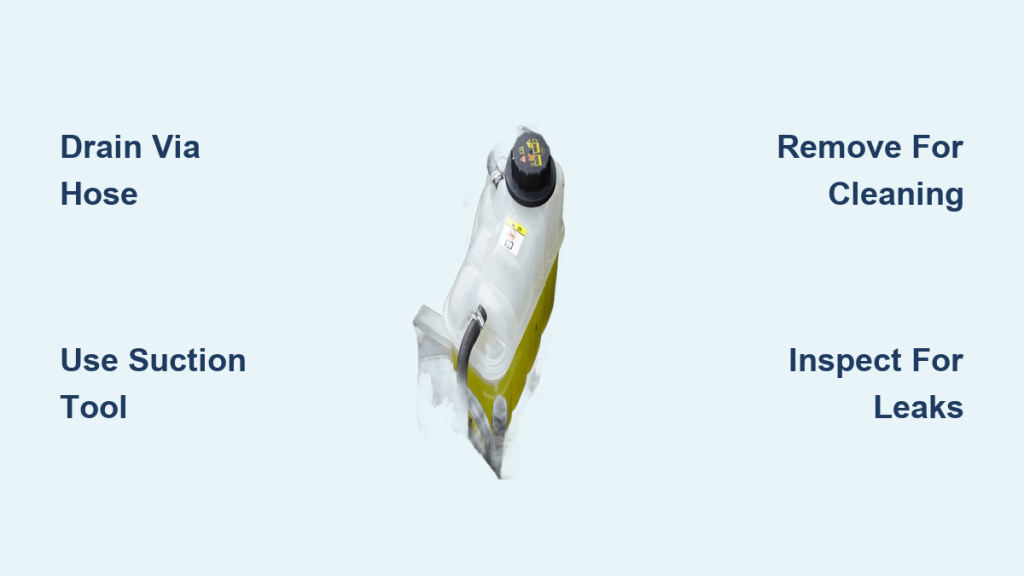
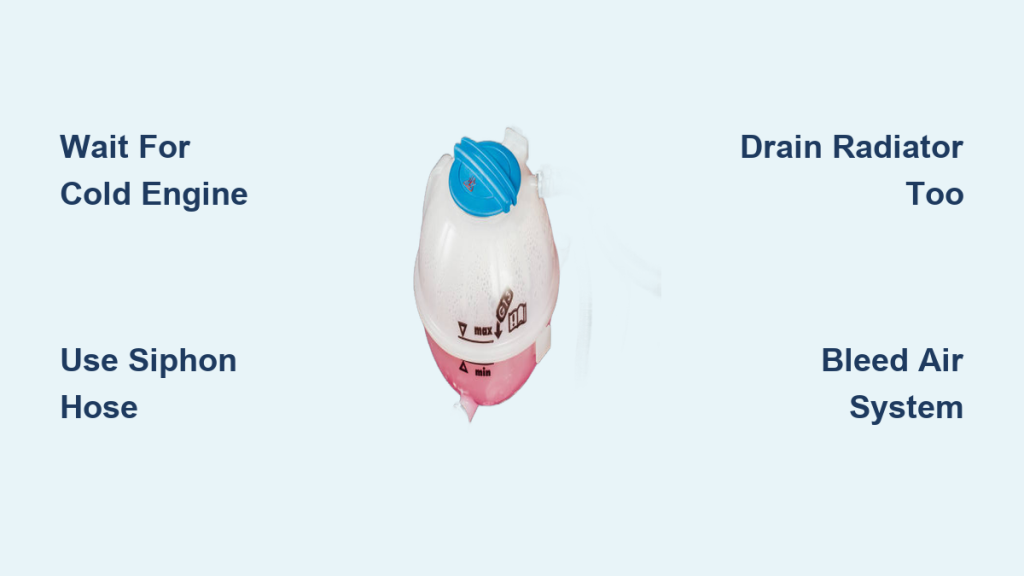
- Locate the coolant overflow reservoir, usually a translucent plastic tank near the radiator.
- Verify the level sits between the “MIN” and “MAX” marks.
- If low, top off with the correct coolant type. Check your owner’s manual for specifications. Common types include G48, Dex-Cool, OAT, and HOAT.
- Use a 50/50 mix of coolant and distilled water unless using pre-mixed coolant.
- Inspect the coolant color. Bright green, orange, or pink indicates good condition. Brown or muddy suggests contamination. Milky or oily coolant points to a serious mechanical problem, possibly a head gasket leak.
Inspect for Leaks and Air Pockets
• Check all hoses, the radiator, water pump, and heater core for visible leaks.
• After refilling, bleed the cooling system to remove air pockets. Air in the system can trigger false low-level readings.
• Some vehicles have a bleed valve. Others require a specific drive cycle to purge air.
• Run the engine with the reservoir cap loosely on, let it warm up, and watch for bubbles escaping.
Pro Tip: Air in the system is a top reason the coolant light stays on even after refilling. Bleeding is often the missing step that prevents successful reset.
BMW Coolant Light Reset

BMW models with iDrive systems, including E90, F30, and G20, follow specific reset procedures.
Quick Dismiss Method
- Turn the ignition to position three (on, engine off).
- The “Engine Coolant Low” message will appear.
- Press the OK button on the steering wheel or iDrive controller to acknowledge and dismiss the message.
This often clears the warning temporarily. If it returns, a formal reset through the menu is needed.
Full Menu Reset via iDrive
- Navigate to Settings, then Vehicle, then Maintenance.
- Select Coolant and choose Reset.
- Confirm the reset using the iDrive knob.
- Restart the engine and verify the light is gone.
Note: If the light persists, suspect a faulty coolant level sensor or air in the system. Some models require ISTA/D software for a full reset after sensor replacement.
Ram 6.7L Cummins Reset
Ram 2500 and 3500 trucks with the 6.7L Cummins diesel engine have a specific “Check Coolant Additive” warning that requires a unique reset procedure.
Step-by-Step Reset
- Turn ignition to position three (on, engine off).
- Press OK to acknowledge the warning.
- Use the left arrow to navigate to Settings.
- Press the right arrow to enter.
- Navigate to Vehicle, then Maintenance, then Coolant, then Coolant Additive.
- Highlight “Coolant Additive” and press and hold OK until the status changes to “New.”
- Wait for confirmation that the reset was successful.
- Turn off the ignition, wait 10 seconds, then restart the engine.
Test Additive Level First
Diesel engines rely on coolant additives to prevent cylinder liner pitting. Before resetting, test the additive level using coolant additive test strips from an auto parts store. Dip the strip into the overflow tank when the engine is cold and wait 60 seconds. Green or yellow indicates good levels. Red means the additive is depleted and a full coolant flush is required.
Important: Never skip this step. Replacing coolant without restoring additives leads to early engine damage.
Mercedes-Benz Coolant Light Reset

Mercedes-Benz models with COMAND or MBUX systems, including W204, W212, and W222, use the ASSYST service menu.
Onboard Menu Reset
- Top off coolant with Mercedes-approved fluid, such as G48 or G05.
- Turn ignition to position two (accessory on, engine off).
- Use steering wheel controls to open the Service or Assistance menu.
- Select Vehicle Status, then Maintenance, then Notifications.
- Find “Reset Coolant Warning” or “Clear Notifications” and confirm.
- Restart the engine.
Note: Many Mercedes models auto-reset after two to three drive cycles once the proper coolant level is confirmed.
Universal OBD2 Scanner Reset Method
For vehicles without a menu-based reset, an OBD2 scanner may be required.
How to Clear Coolant Codes
- Plug an OBD2 scanner into the DLC port, located under the dash near the steering column.
- Power on the scanner and select Body Controls or Coolant System.
- Look for “Reset Coolant Warning” or “Clear DTCs.”
- Clear codes such as P0115 through P0118 (coolant temperature sensor faults), P0217 (engine overheating), or P0597 (thermostat issues).
- Turn off the ignition, wait 30 seconds, then restart.
Note: Generic scanners may not support all reset functions. Factory tools like ISTA for BMW, GDS for Volvo, or DRB III for Ram provide full access.
Diagnose Persistent Coolant Light

If the light returns after reset, the problem has not been fixed. Here are the most common causes.
Faulty Coolant Level Sensor
The sensor floats in the reservoir and can become stuck or corroded over time. To test it, unplug the sensor connector and jump the two pins with a paperclip to simulate full coolant. If the light goes out, the sensor is faulty and needs replacement.
Air in the Cooling System
Even a small air pocket can trigger a false low-level reading. To bleed the system, start the engine with the reservoir cap loosely on. Let it warm up with the heater set to maximum heat. Squeeze the upper radiator hoses to push air out, then top off as the level drops.
Pro Tip: Some vehicles like BMW and Audi have a bleed screw on the thermostat housing. Use it for proper air removal.
Tools You Will Need
• OBD2 Scanner: Read and clear coolant codes.
• Coolant Test Strips: Check additive strength in diesel engines.
• Funnel and Gloves: Safe coolant handling.
• Multimeter: Test sensor continuity.
• Factory Service Manual: Access exact reset steps and wiring diagrams.
Prevent Future Coolant Warnings
Avoid surprise lights with regular maintenance. Check coolant level monthly and inspect coolant condition every six months. Perform a full coolant flush every five years or 50,000 miles. Replace the radiator cap every three to five years. Always bleed the system after any refill.
• Never mix coolant types, as this can cause gelation or corrosion.
• Use distilled water only when mixing coolant.
• Replace coolant even if the level is fine, because additives degrade over time.
• After any overheating incident, inspect the head gasket before continuing to drive.
When to See a Mechanic
Seek professional help if you notice coolant leaks under the car, white smoke from the exhaust (coolant burning), milky oil indicating head gasket failure, or repeated engine overheating. Also visit a mechanic if the light returns immediately after reset.
Expert Tip: After a red overheating warning, have the cylinder head and head gasket inspected. Thermal stress can warp metal components.
Final Thoughts on Resetting Your Coolant Light
The coolant light is not just a reminder. It is a critical engine protection system that should never be ignored. Resetting is simple on most vehicles, but only after fixing the underlying issue. Always verify coolant level and condition before attempting any reset. Use the correct coolant type and bleed the system to ensure the light stays off.
Document every reset by recording the date, coolant type used, and method applied. Monitor the vehicle closely after reset. If the light returns within hours, recheck for micro-leaks, faulty sensors, air in the system, or ECM software glitches. With the right steps, tools, and caution, you can safely handle most coolant light issues yourself. But when in doubt, trust a professional. Your engine’s life depends on it.
Frequently Asked Questions About Resetting Coolant Lights
Will the coolant light reset automatically?
Many vehicles auto-reset after two to three drive cycles once coolant is topped off and the system confirms normal operation. However, some models require manual reset through the onboard menu or OBD2 scanner.
Can I reset the coolant light without adding coolant?
No. The light exists to protect your engine. Resetting it without addressing the low coolant or other underlying issue risks severe engine damage from overheating.
What does it mean if the coolant light keeps coming back?
A recurring light usually indicates a persistent problem. Common causes include a faulty coolant level sensor, air trapped in the system, a slow leak, or degraded coolant additives. Investigate each possibility systematically.
Do I need a special tool to reset the coolant light?
For most modern vehicles, the reset is available through the onboard menu. However, some models require an OBD2 scanner or dealer-level diagnostic tool like ISTA, GDS, or DRB III to clear stored codes and recalibrate sensors.
How long does it take to reset a coolant light?
The actual reset process takes only a few minutes. However, diagnosing the root cause and properly refilling or bleeding the system may take 30 minutes to an hour, depending on the vehicle and issue.