
A radiator fan failure can quietly push your engine toward overheating, especially during slow traffic or extended idling. When your temperature gauge climbs while parked but drops on the highway, the radiator fan is often the hidden culprit. Learning how to check a radiator fan gives you the power to catch small issues before they become expensive repairs.
This guide covers every step of the diagnostic process, from simple visual checks to electrical testing with a multimeter. Whether your vehicle uses an older mechanical fan or a modern electric setup, you will learn proven techniques to identify the problem quickly and safely.
Identify Your Radiator Fan Type
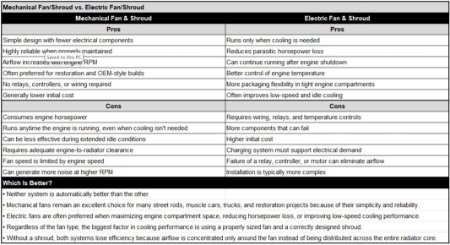
Knowing which fan system your vehicle uses shapes every diagnostic step that follows.
Mechanical vs. Electric Fan Systems
Mechanical fans connect to the engine through a belt and clutch, common in older vehicles. They spin whenever the engine runs, with a thermal clutch regulating speed based on temperature.
Electric fans dominate modern vehicles and operate independently from engine speed. They activate only when coolant reaches a set range, usually 200°F to 230°F (93°C to 110°C), or when the AC is turned on. These fans depend on sensors, relays, and fuses to function properly.
Quick Visual Identification Tips
Open the hood once the engine is cool and locate the fan behind the radiator:
– A belt-driven fan near the water pump indicates a mechanical setup
– A wired fan housed in a plastic shroud signals an electric system
Correctly identifying the fan type prevents misdiagnosis and saves valuable repair time.
Spot the Warning Signs of a Failing Radiator Fan
Catching early symptoms protects your engine from serious heat damage.
Overheating at Idle or in Traffic
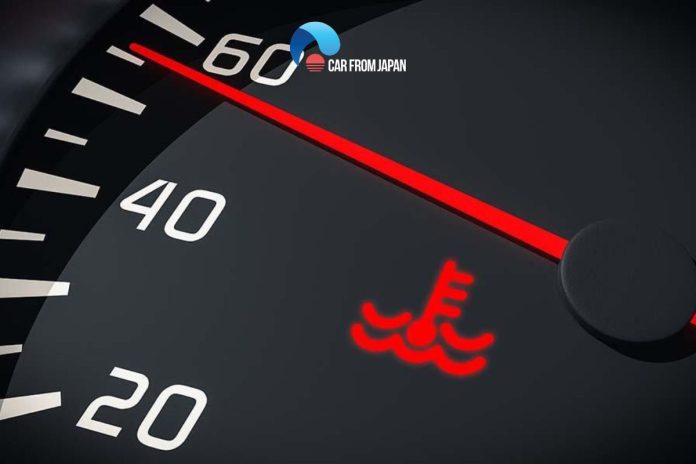
If the temperature gauge rises while idling or sitting in slow traffic but returns to normal at highway speeds, the fan is failing to move enough air. This classic pattern points directly to fan trouble.
Dashboard Warnings and Gauge Spikes
The check engine light may illuminate due to abnormal coolant temperature readings. At the same time, the temperature gauge can climb into the red zone, especially after AC use or extended idling.
Strange Noises and Physical Resistance
Listen for grinding, squealing, or rattling near the front of the engine. These sounds often signal worn bearings, loose blades, or a struggling motor.
When the engine is off and cool, try spinning the fan by hand:
– Smooth rotation indicates normal function
– Stiffness or grinding points to a failing motor, seized clutch, or damaged bearings
Start with a Visual Inspection
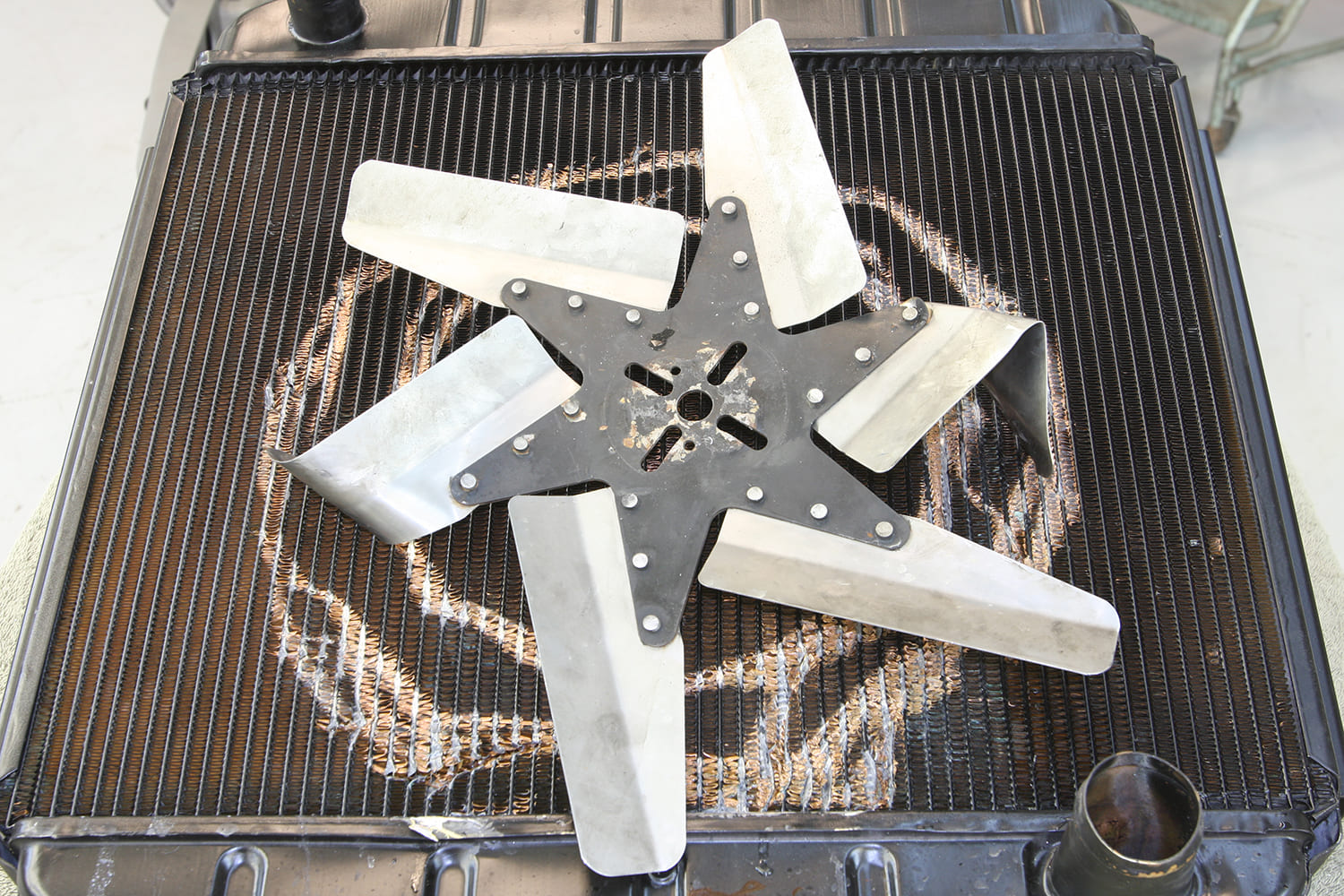
Many radiator fan problems are visible without any special tools.
Examine Fan Blades and the Shroud
Look closely for cracked, bent, or missing blades. Even small damage can throw off balance and reduce airflow. Also inspect the plastic shroud for cracks or loose mounting, since it directs air through the radiator and must stay intact.
Clear Out Debris and Obstructions
Leaves, dirt, or plastic bags often get trapped